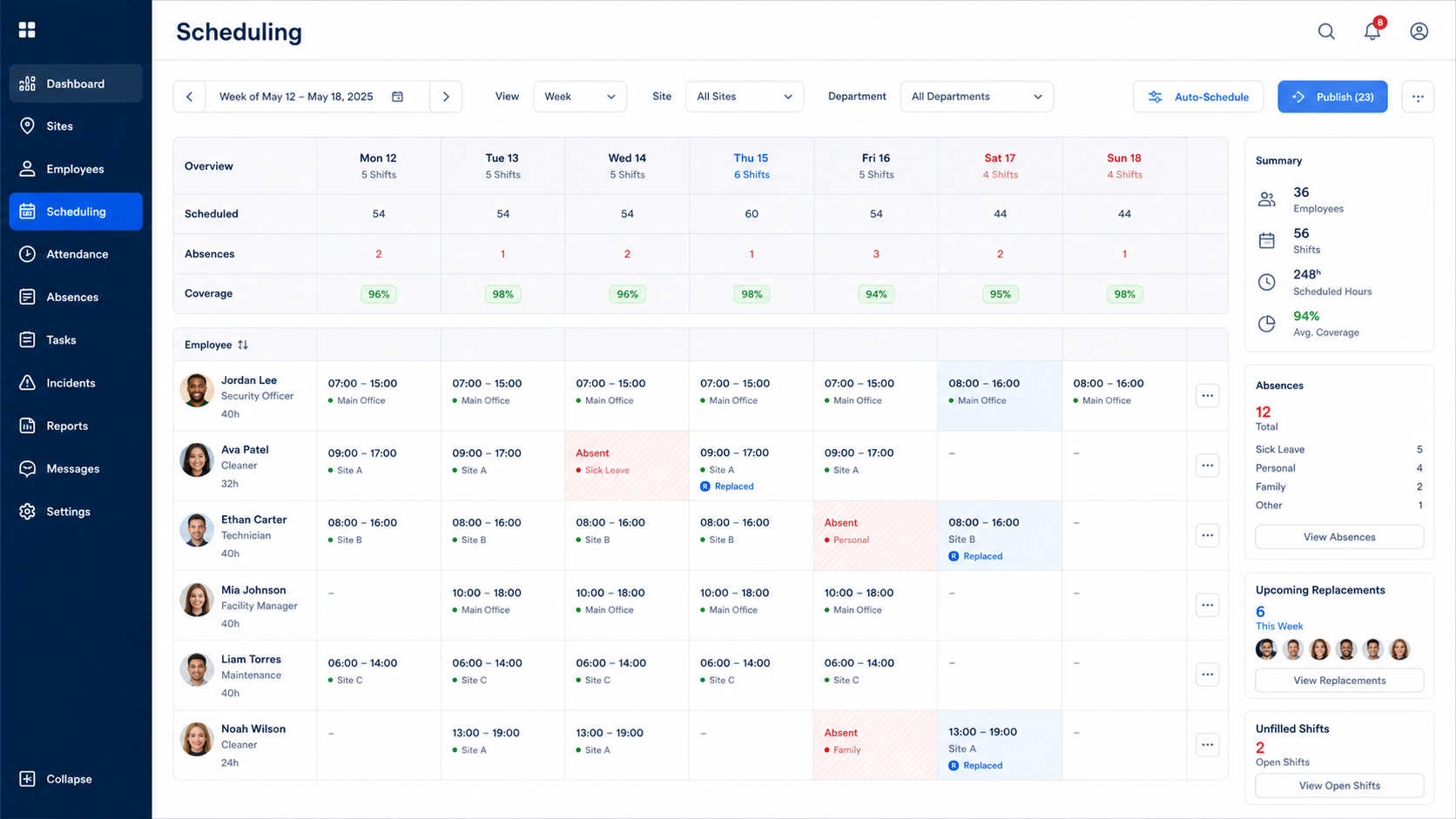
01 · Workforce visibility
Schedules, absences and replacements
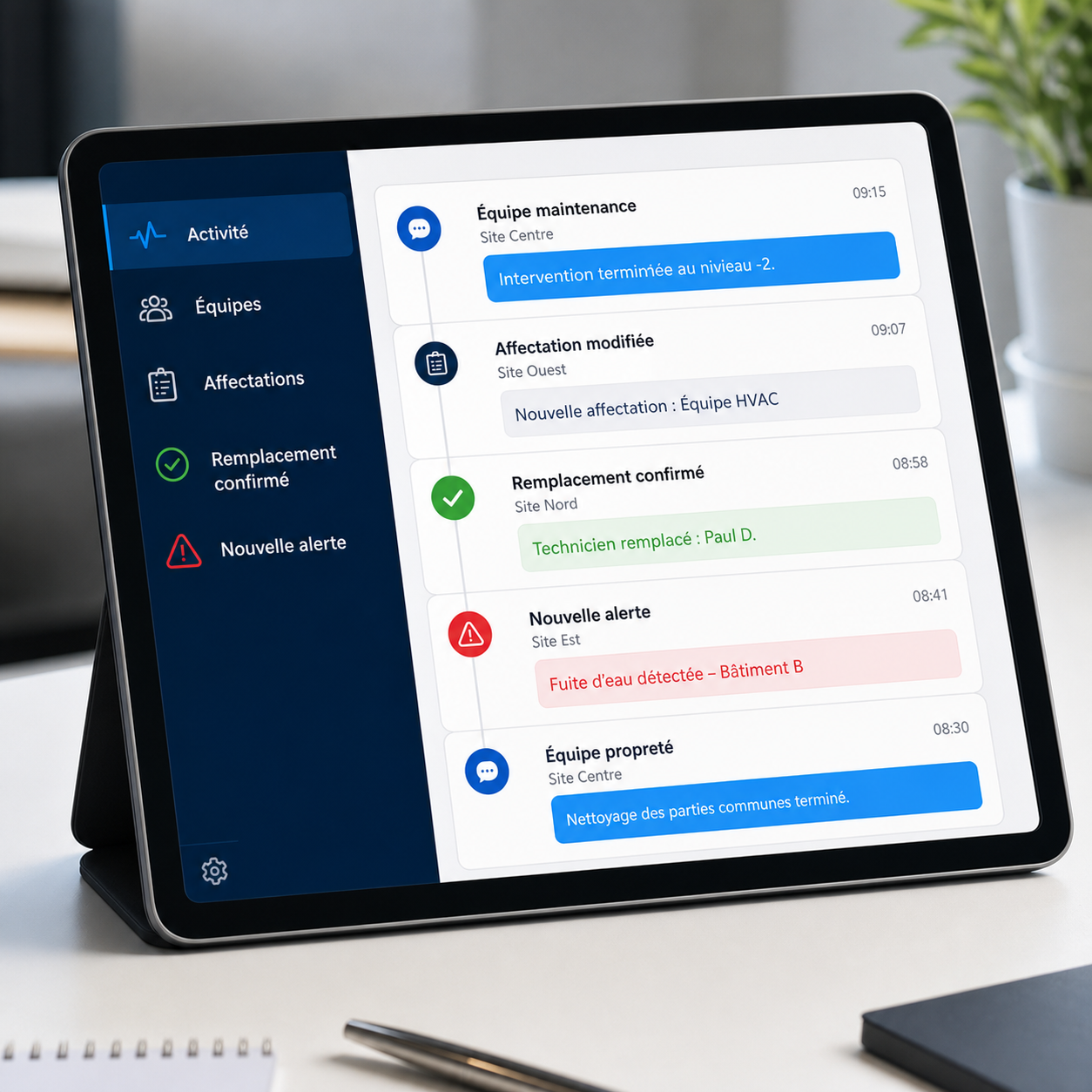
View the organisation of staff assigned to your sites and follow changes in coverage when an absence or replacement occurs.

PROTECTSUR · Client portal · Real time
Follow assigned staff schedules, absences and replacements, report incidents, create tickets, track installation or maintenance projects and consult operational reporting without waiting for the next consolidated report.
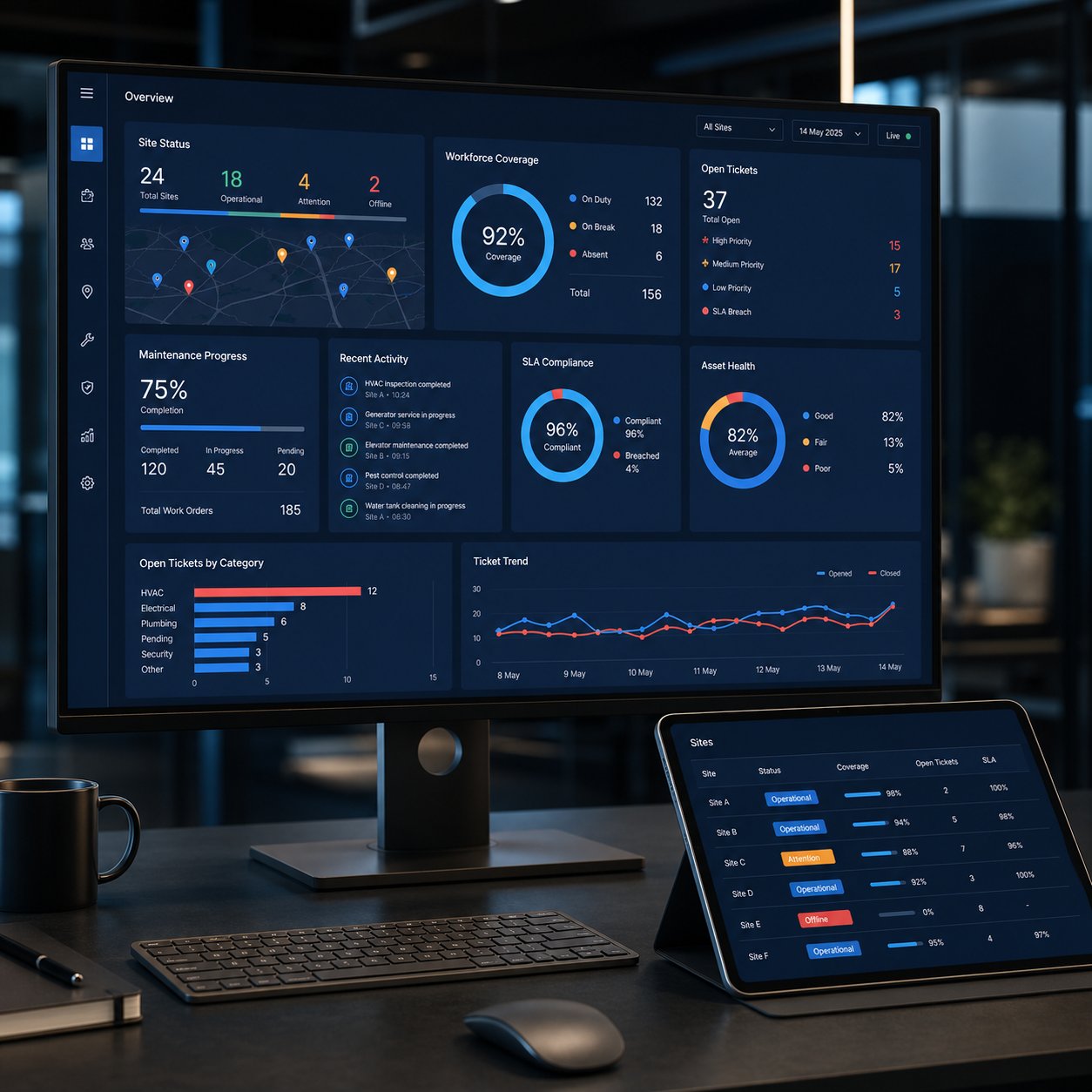
PROTECTSUR
Client operations dashboard
Staff
Schedules · absences · replacements
Requests
Incidents · Tickets
Projects
Installation · maintenance
Reporting
Continuous operational view
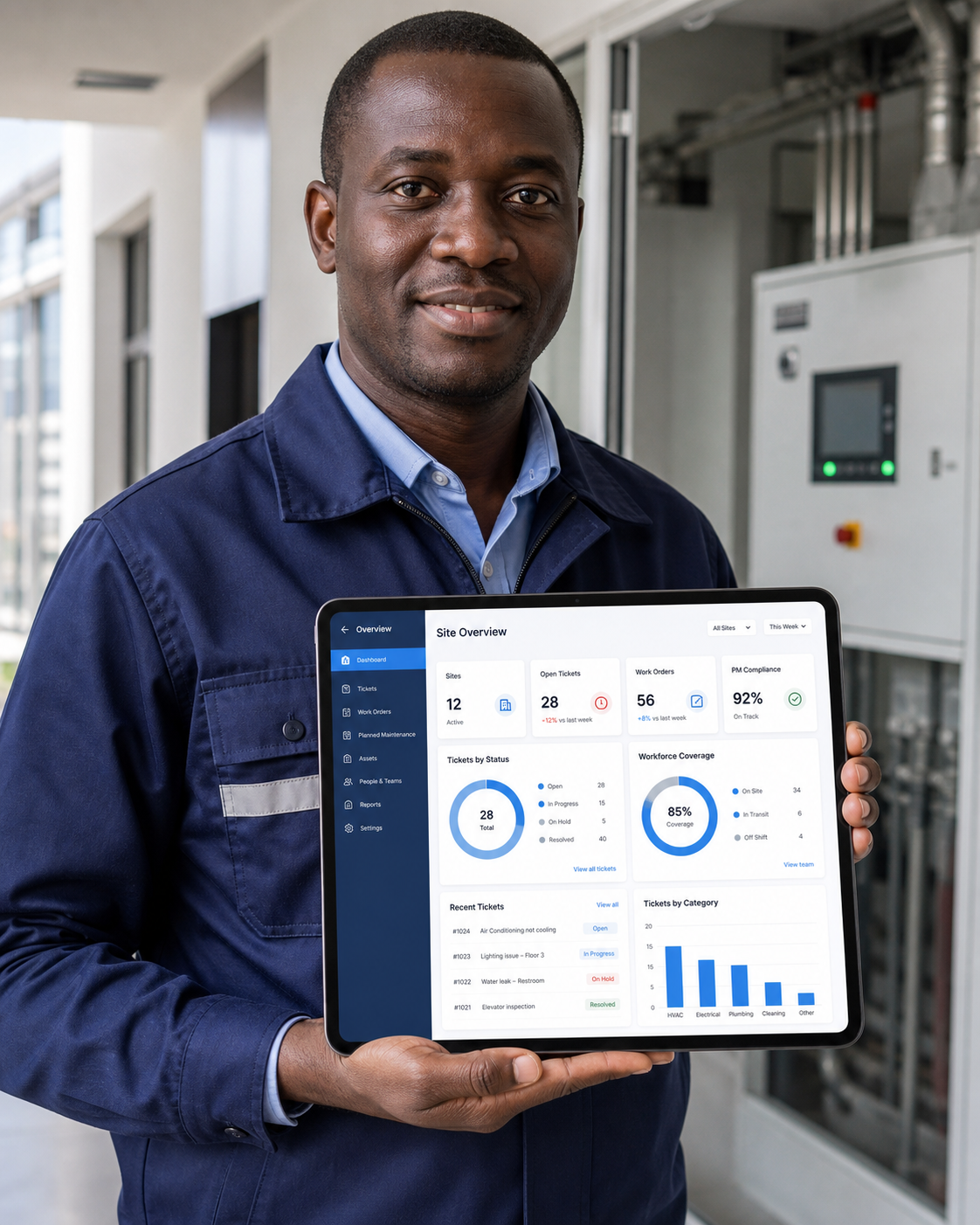
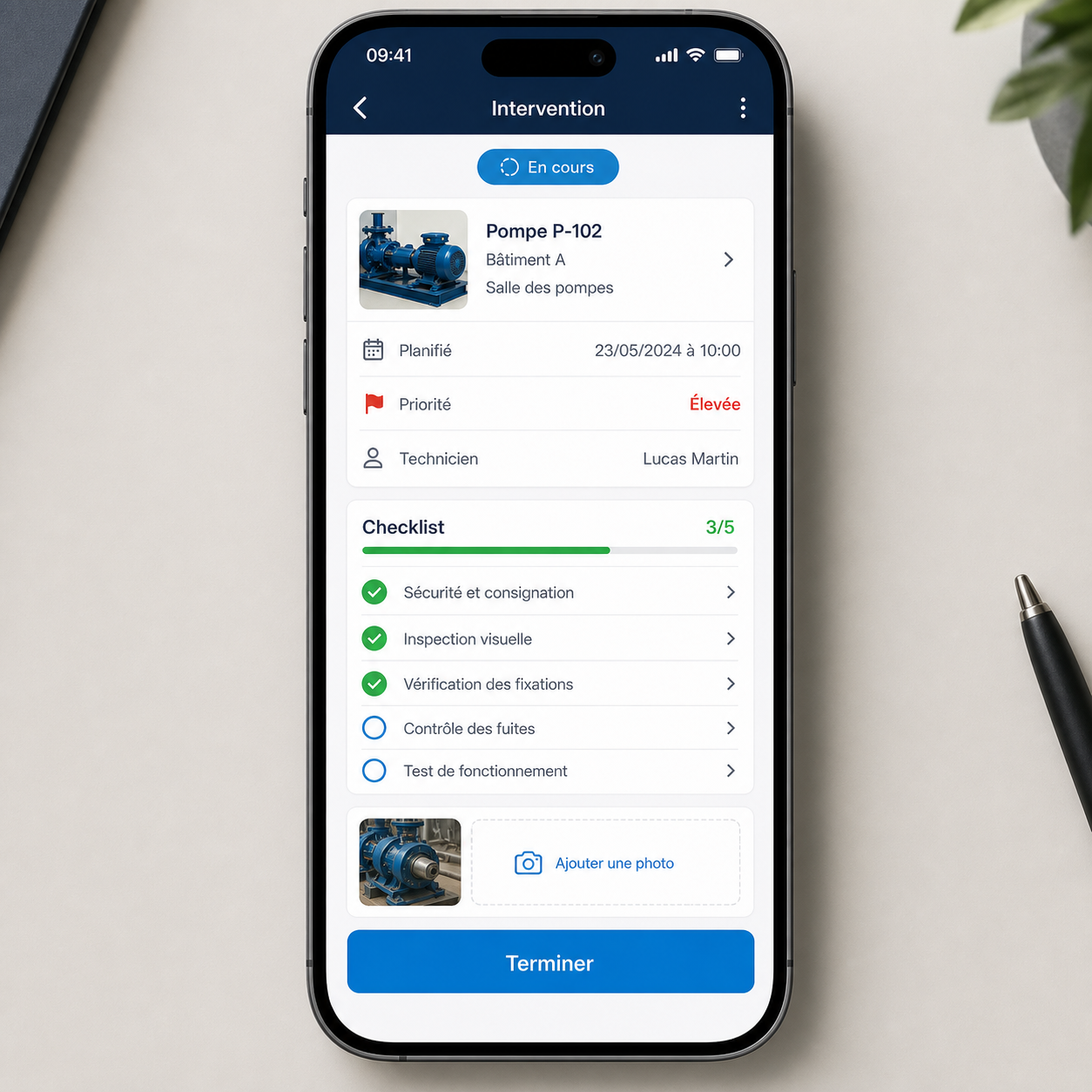
From the field to your screen
PROTECTSUR connects the client experience to what actually happens on site: staffing changes, incidents, requests and the progress of technical work. The portal is designed to reduce the information gap between field execution and client management.
100% transparency
The client can follow information directly instead of relying only on periodic verbal or PDF updates.
What clients can see and do
01 · Workforce visibility
View the organisation of staff assigned to your sites and follow changes in coverage when an absence or replacement occurs.
02 · Incidents & requests
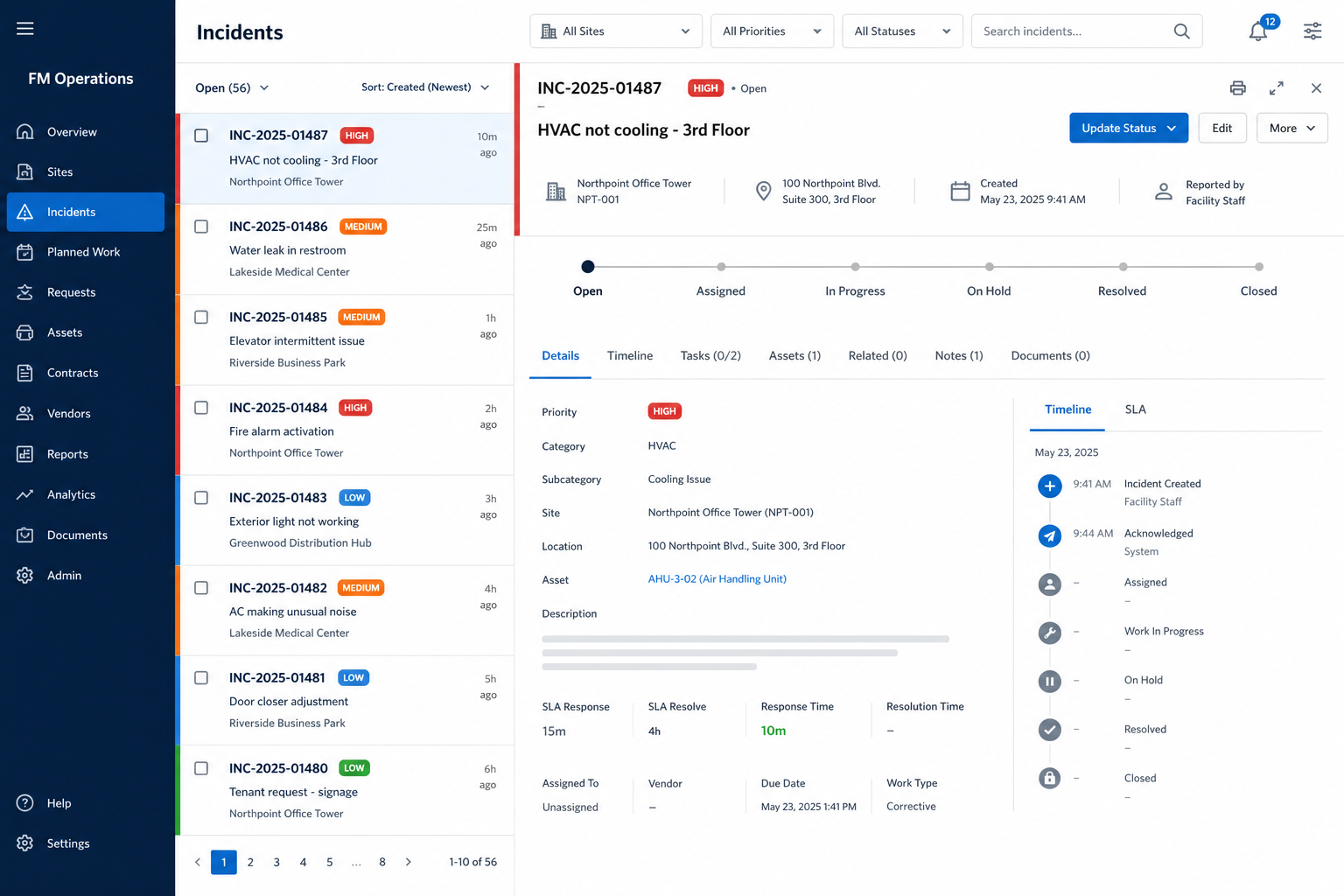
Create an operational or technical request, follow its status and keep a visible history through to resolution.
03 · Project progress
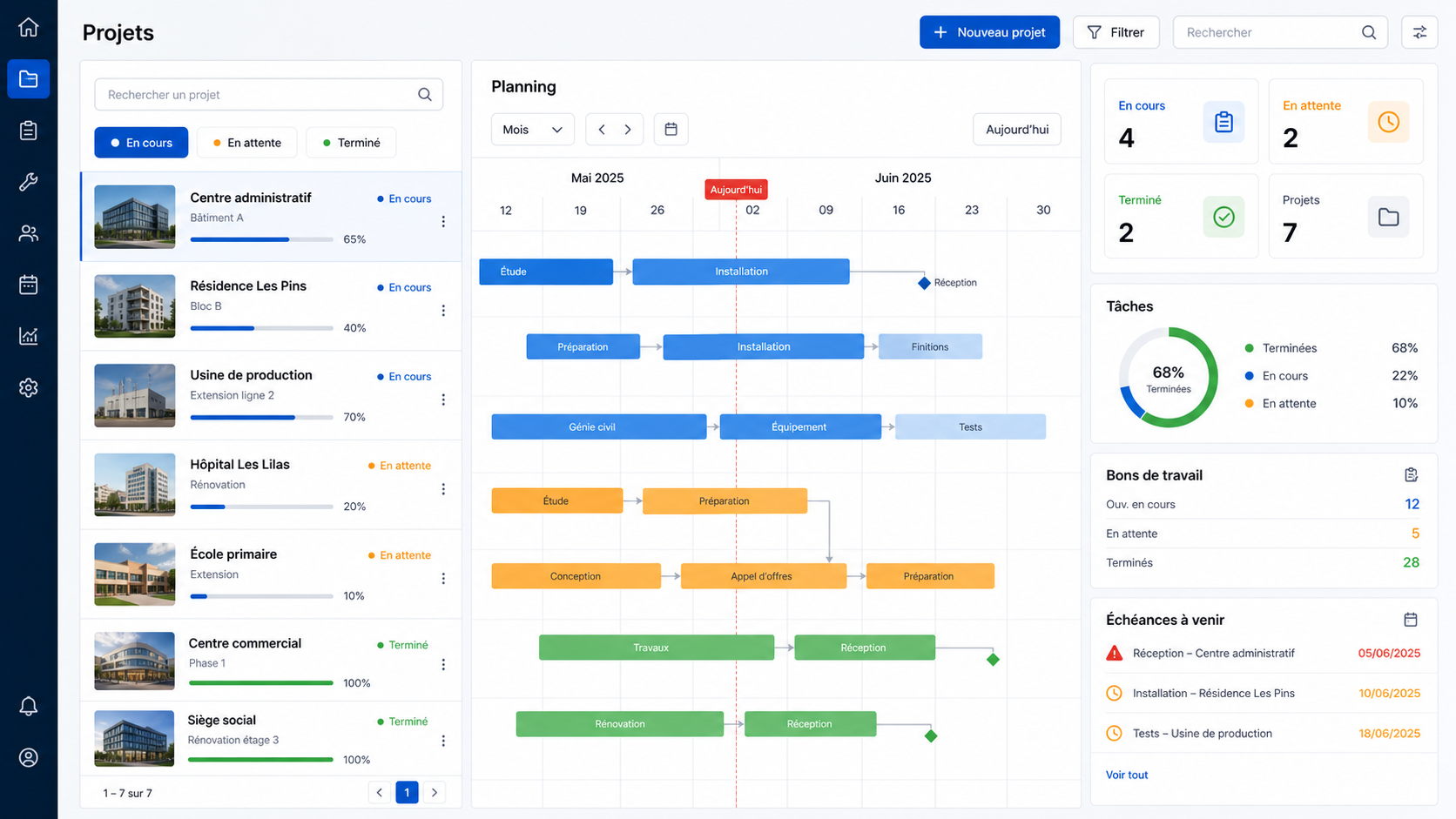
See the progress of installation or maintenance projects and the current status of the work visible from the client environment.
04 · Reporting
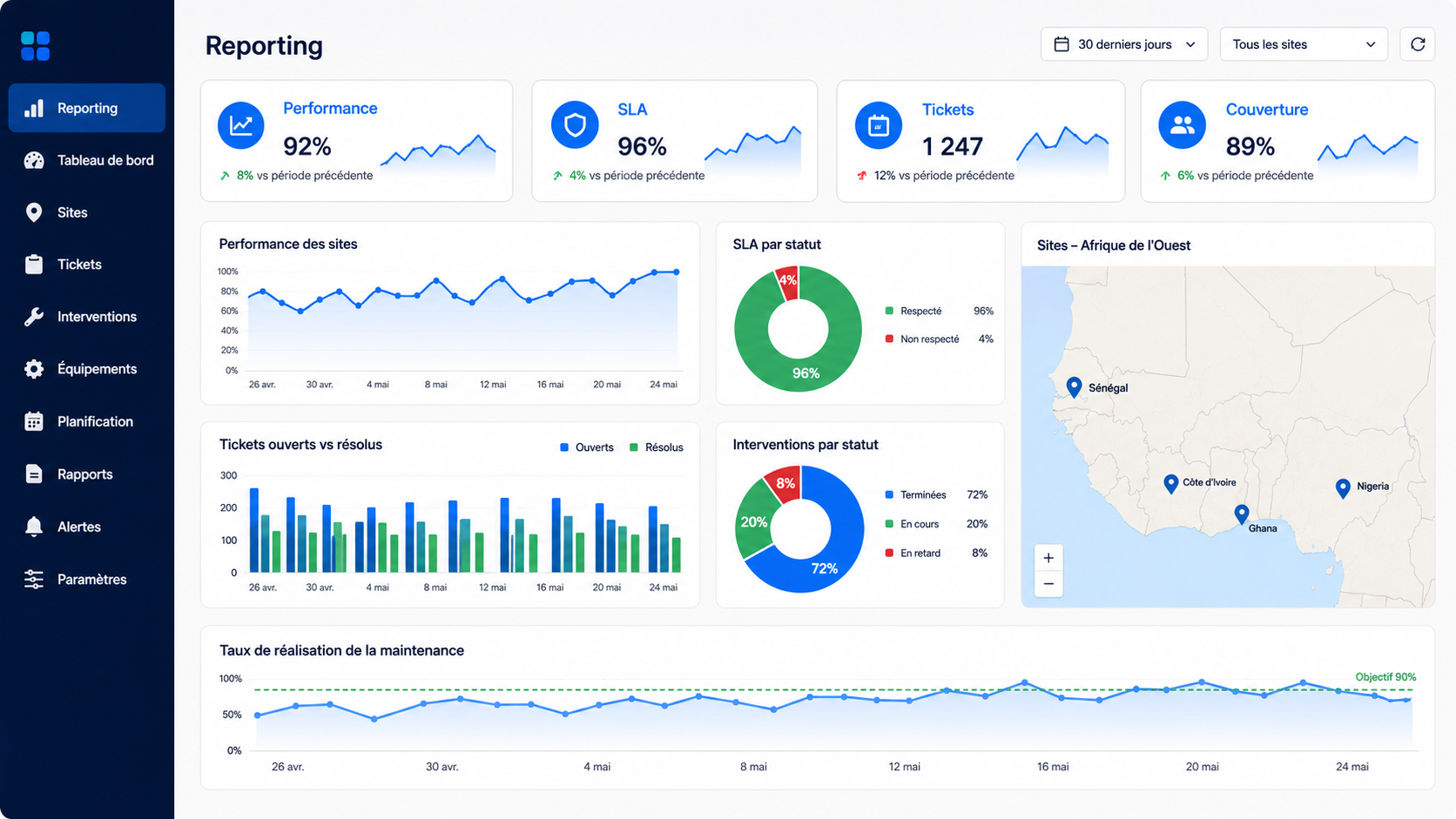
Consult operational information continuously rather than depending solely on a report produced after the period has ended.
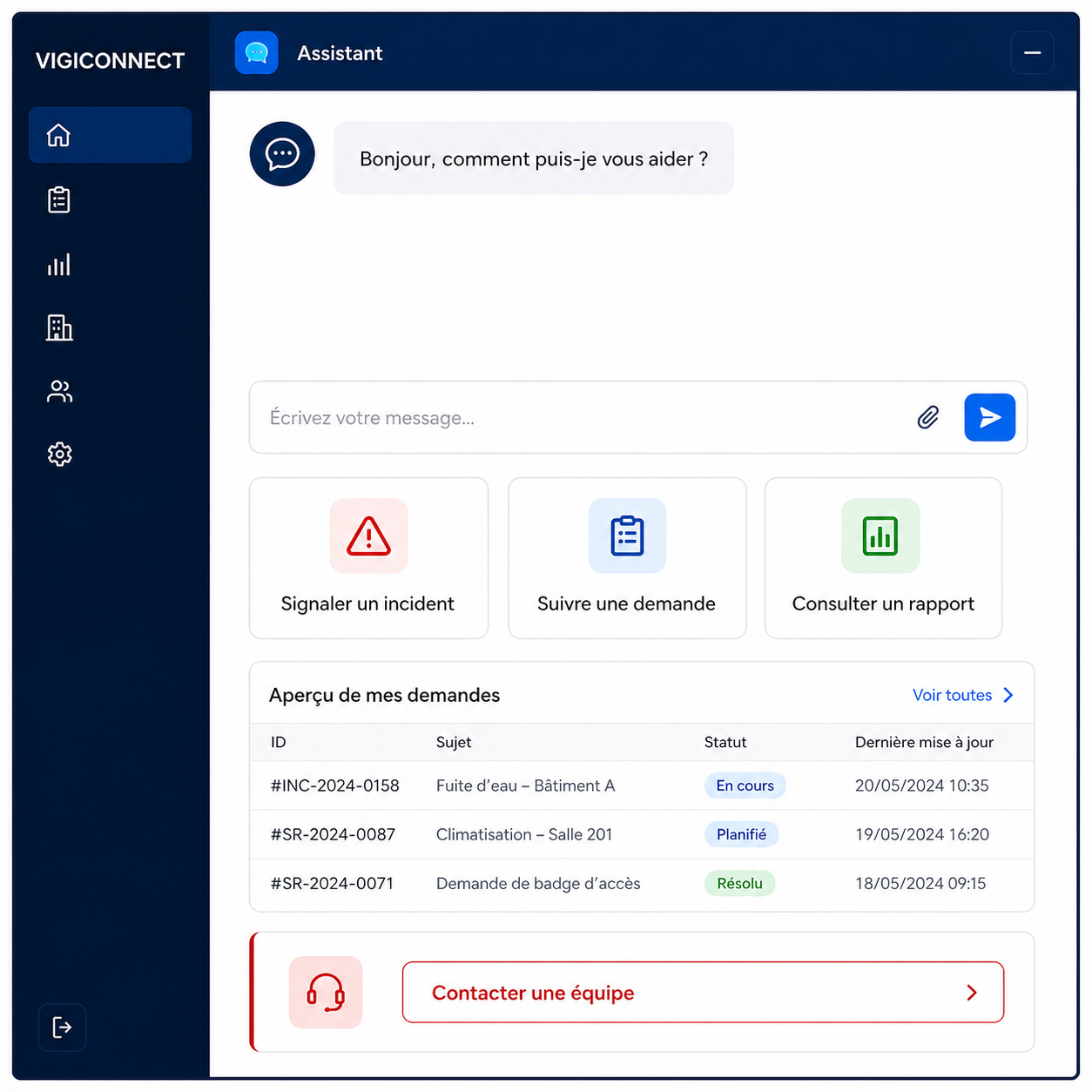
VIGICONNECT
“How can I report an incident? Where can I follow my maintenance request? What does this Facility Management service include?”
AI inside the client experience
The Vigilus AI assistant complements the portal for general questions and orientation. Site-specific actions remain handled through the appropriate operational teams, Facility Manager and ticket workflows.
Understand services, processes and portal usage.
Operational actions stay with the responsible teams.
Why it matters for a client
01
Know what is happening on your sites without multiplying calls and emails.
02
Keep a visible history of incidents, requests and project progress.
03
Raise requests in a structured workflow and follow their treatment.
04
Make client reporting part of day-to-day operations, not an after-the-fact exercise.
PROTECTSUR · Client experience
Vigilus Assistant
Available 24/7